
Do I need to use every use case at once?
No. We recommend starting with one process, a small group and a clear standard. The other use cases come once the first one works.
HubCoach, a Revenue Hub Latam product, is used at the moments when work in HubSpot breaks down: a next step nobody can pick up, a handoff that makes the customer repeat their story, a new hire who cannot remember where something is done or a ticket whose SLA expires unnoticed. Each use case explains the problem, the standard the team agrees on, what it looks like in HubSpot and what it does not solve.
Already have an account? Sign in
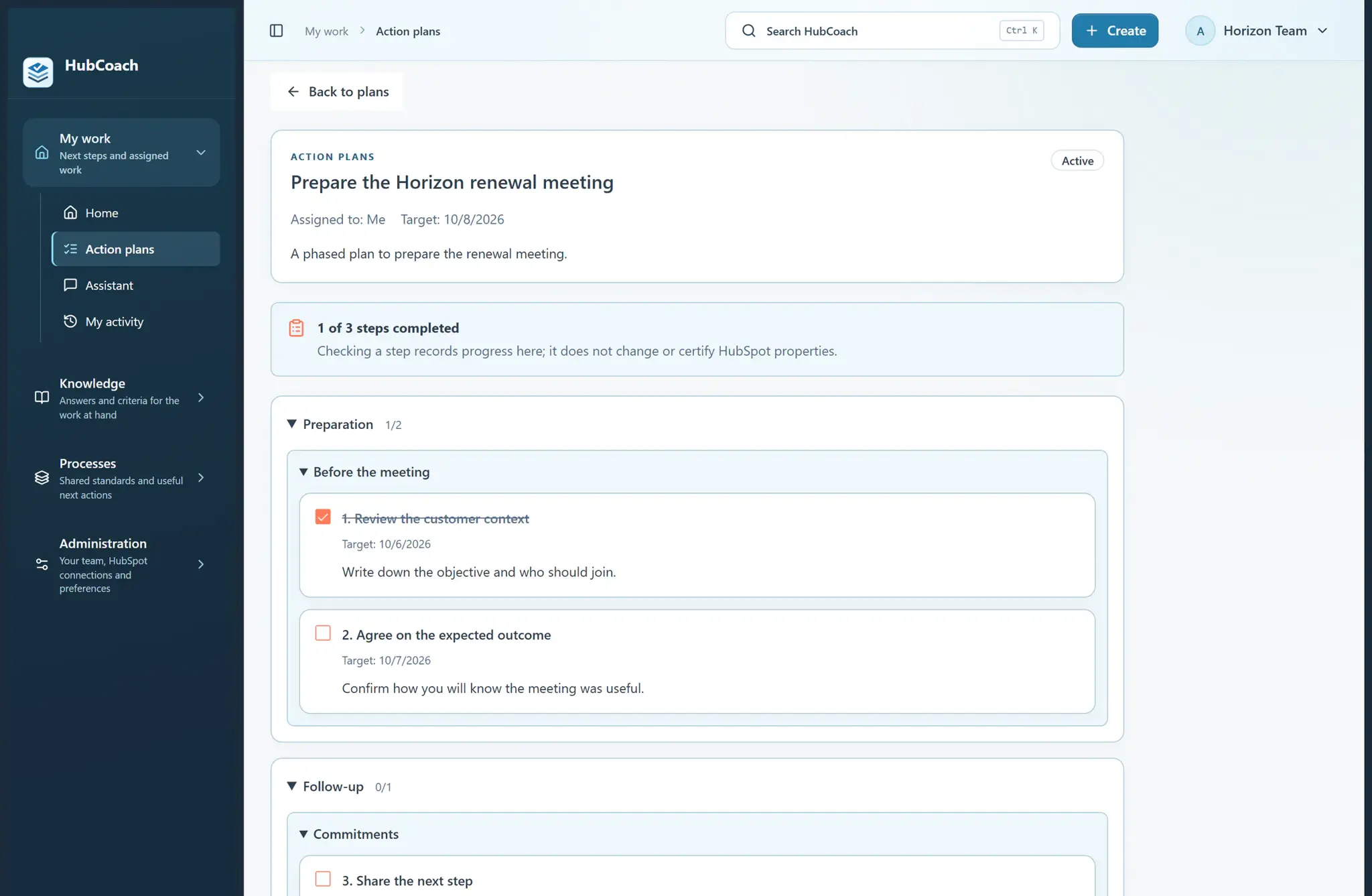
Each use case starts from a real moment of work in sales and service teams in Chile and Latin America.

Next steps someone else can pick up, and close dates that reflect what was agreed.
See the use case
Service receives the scope, the commitments and the contact without asking again.
See the use case
Repeated CRM questions are answered next to the record, with assigned practice.
See the use case
Review a real deal with the person and agree on the next decision, without chasing data.
See the use case
Tickets and SLAs with judgment: what to handle first, why and which article explains the case.
See the use case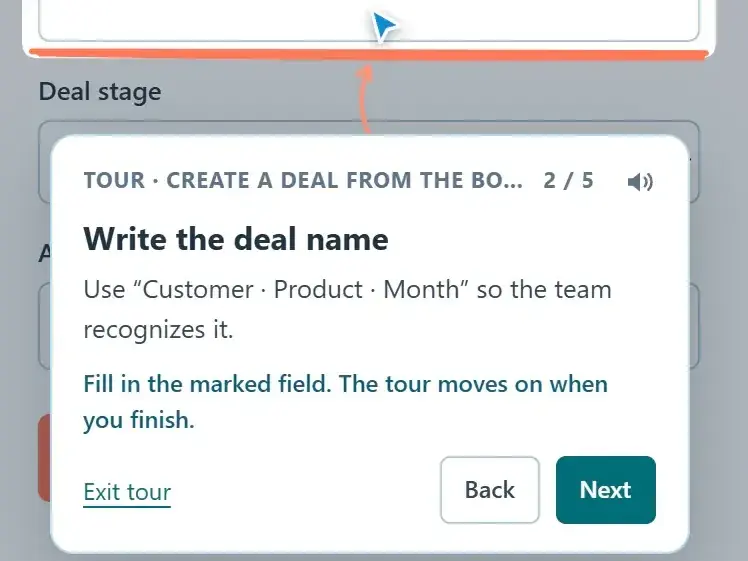
You record a task once and each person follows it on their own HubSpot screen.
See the use caseStart with what your team asks you most this week.
HubCoach is a Revenue Hub Latam product. It grew out of what we solve when we implement and run HubSpot with sales and service teams in Chile and Latin America.

No. We recommend starting with one process, a small group and a clear standard. The other use cases come once the first one works.
They work on the objects and fields your portal has: deals, contacts, companies and tickets. What HubCoach checks depends on the data and permissions your organization grants.
No. In every use case HubCoach shows the criteria and can open the native HubSpot editor. The person reviews and saves the change.
By reviewing real records with the team before and after the pilot. Reads and completed steps in HubCoach describe activity; on their own they do not prove the work changed.
Yes. Revenue Hub Latam supports the rollout as part of a HubSpot operations service for teams in Chile and Latin America.
The use case explains how HubCoach solves it. The practical guide explains how to do it in HubSpot, with or without HubCoach, and you can apply it tomorrow.
Current seats are full. Tell us about your team, in Chile or elsewhere in Latin America, and what you would like it to do better in HubSpot.
Already have an account? Sign in